Check the subscription
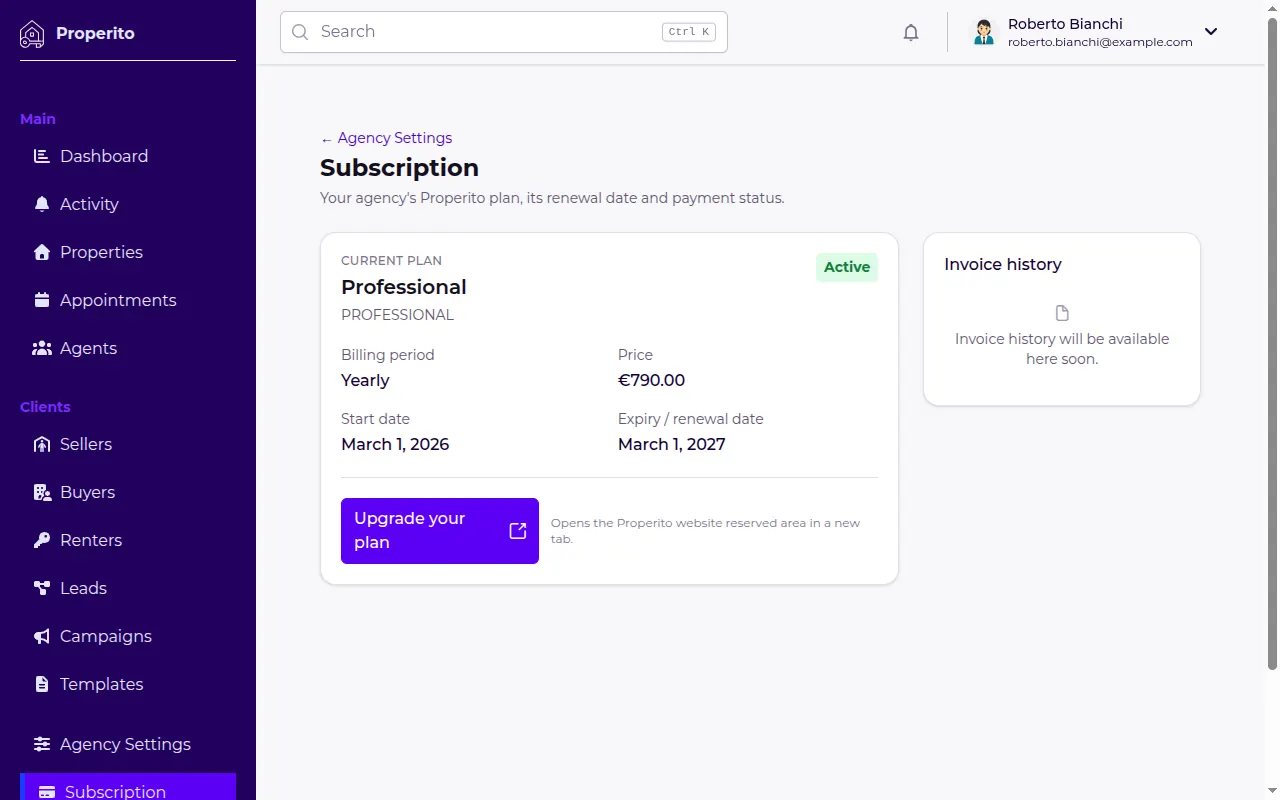
The Subscription page shows the agency’s current plan; purchases and plan changes happen in the reserved area of the Properito website.
Who can do this:AdminManager
Steps
Open Agency Settings and choose "View subscription", or open Subscription from the side menu.
Check current plan, billing period, price, start date and expiry or renewal date.
To change plan, use "Upgrade your plan": it opens the reserved area of the Properito website in a new tab.