Your personal settings
These settings apply only to you, not to the rest of the agency.
Who can do this:AdminManagerAgent
Steps
Open Settings from your profile menu.
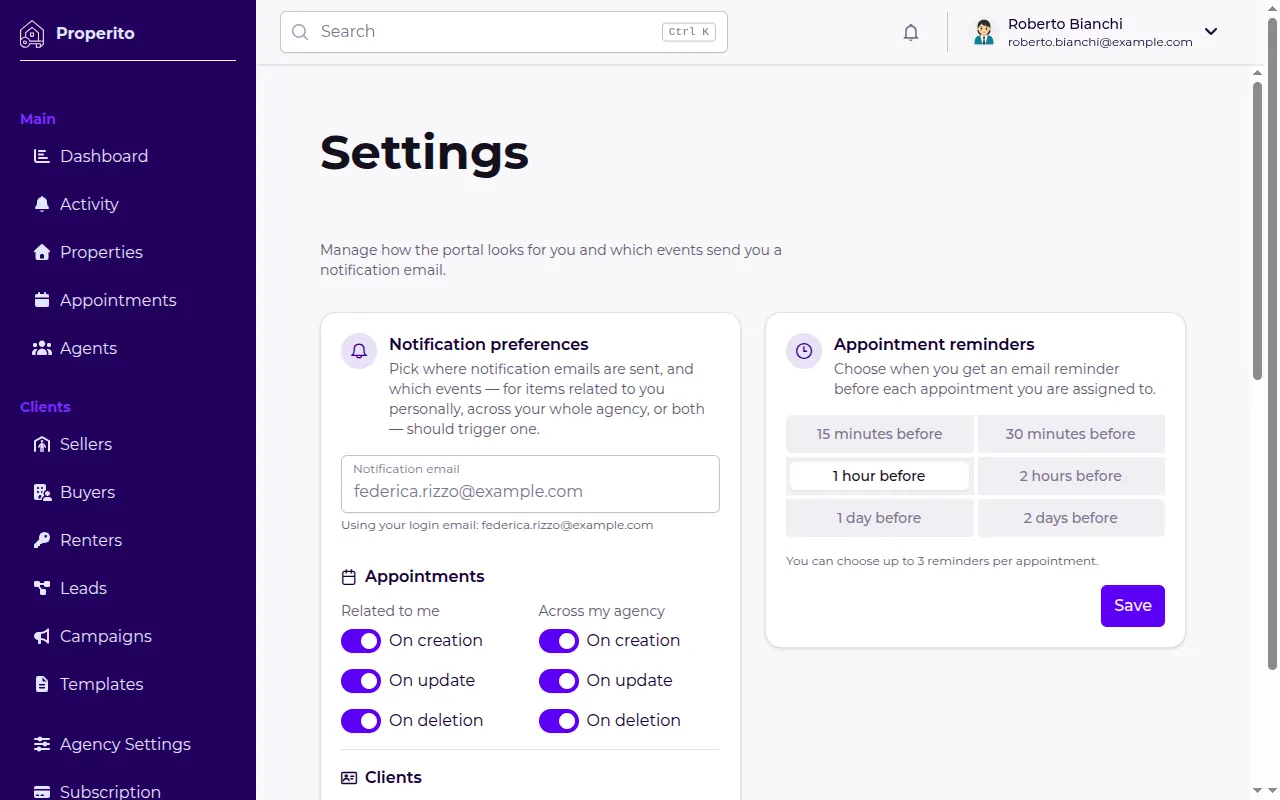
Display preferences: choose the portal language and switch between light and dark mode.
Notification preferences: set the email address and, for appointments, clients, properties and colleagues, which creations, updates and deletions send you an email, both for your items and across the agency.
Appointment reminders and connected calendars: see the guide "Calendar sync and reminders".