The client profile
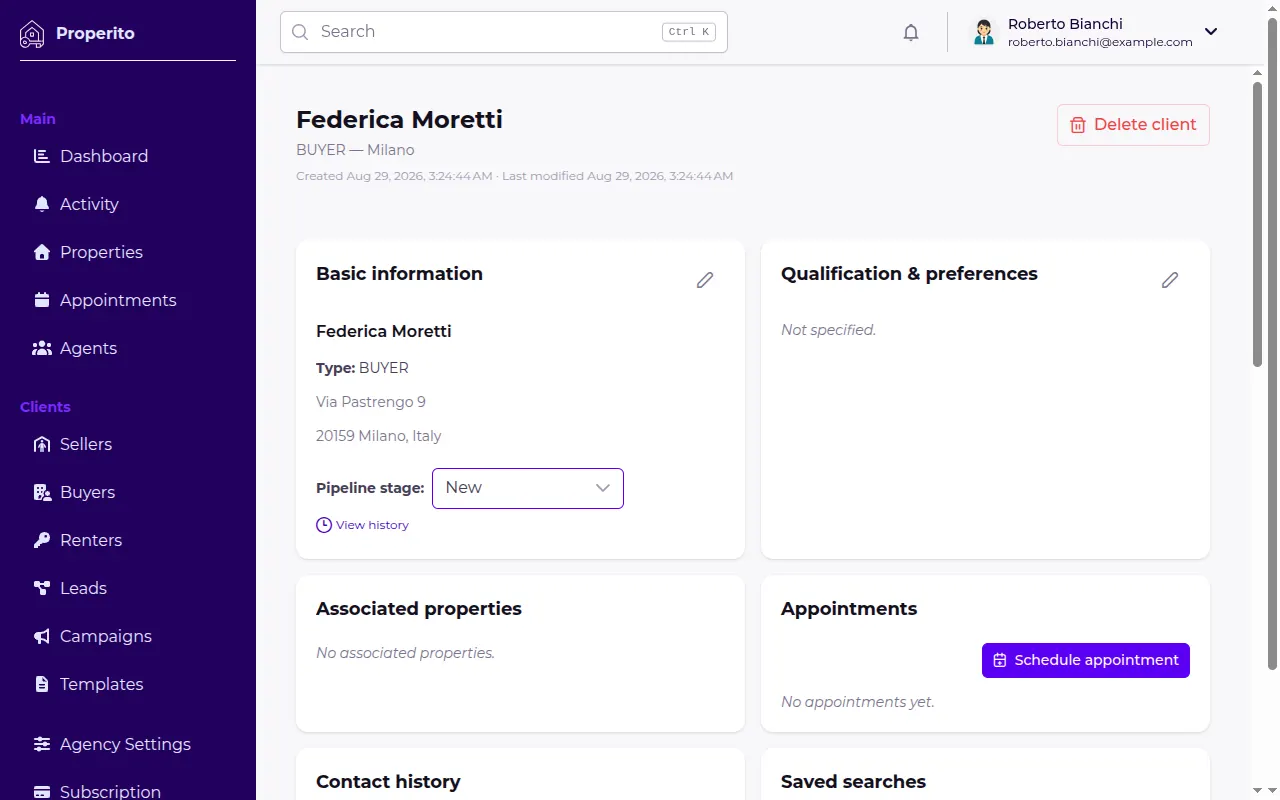
The client profile collects everything you know about a client, in sections you can update one at a time.
Who can do this:AdminManagerAgent
Steps
Contact history: use "Log contact" to record each call, email or meeting with its type, direction, date and notes.
Saved searches: add or edit the criteria (city or zone, price, property type, rooms, surface, must-haves and deal-breakers) used to suggest matching properties.
Associated properties: see the properties the client owns or visited, and use "Associate property" to make them the owner of a property.
Saved files: upload the client’s documents with "Add files".
Marketing consent: record how and when consent was collected, withdraw it, or reactivate it after an unsubscribe; every change is kept in the history.