Create a property
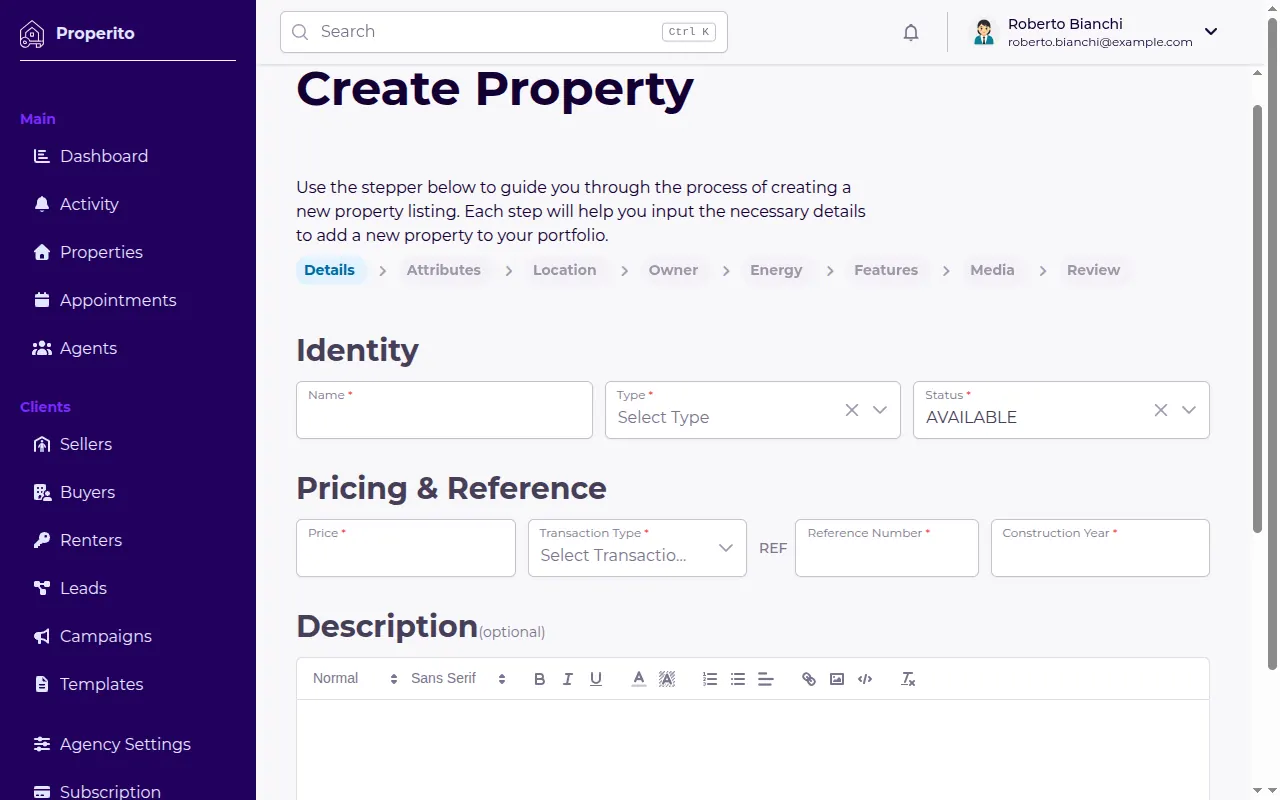
A new property is created with a guided procedure: a progress bar at the top shows the eight steps and lets you go back to any of them before saving.
Who can do this:AdminManagerAgent
Steps
Open Properties from the side menu and start the creation of a new property.
Details: name, type, status, price, transaction type, reference number and construction year are required; the description is optional.
Attributes (all optional): rooms, bathrooms, surface, floor, parking spaces, condition, availability date, cadastral category, garden, pool, elevator and furnishing.
Location: address, zip code, city, country and region.
Owner: link the seller client who owns the property.
Energy: energy class, heating type, certificate issue date, annual consumption and CO2 emissions.
Features: add any extra feature as a name and value pair. Media: upload gallery images, floor plans and property documents.
Review: check every section, use "Edit section" to correct one, confirm that the data is correct and save.