Connect the portals
Enable a portal only once your agency has a contract and credentials with it.
Who can do this:Admin
Steps
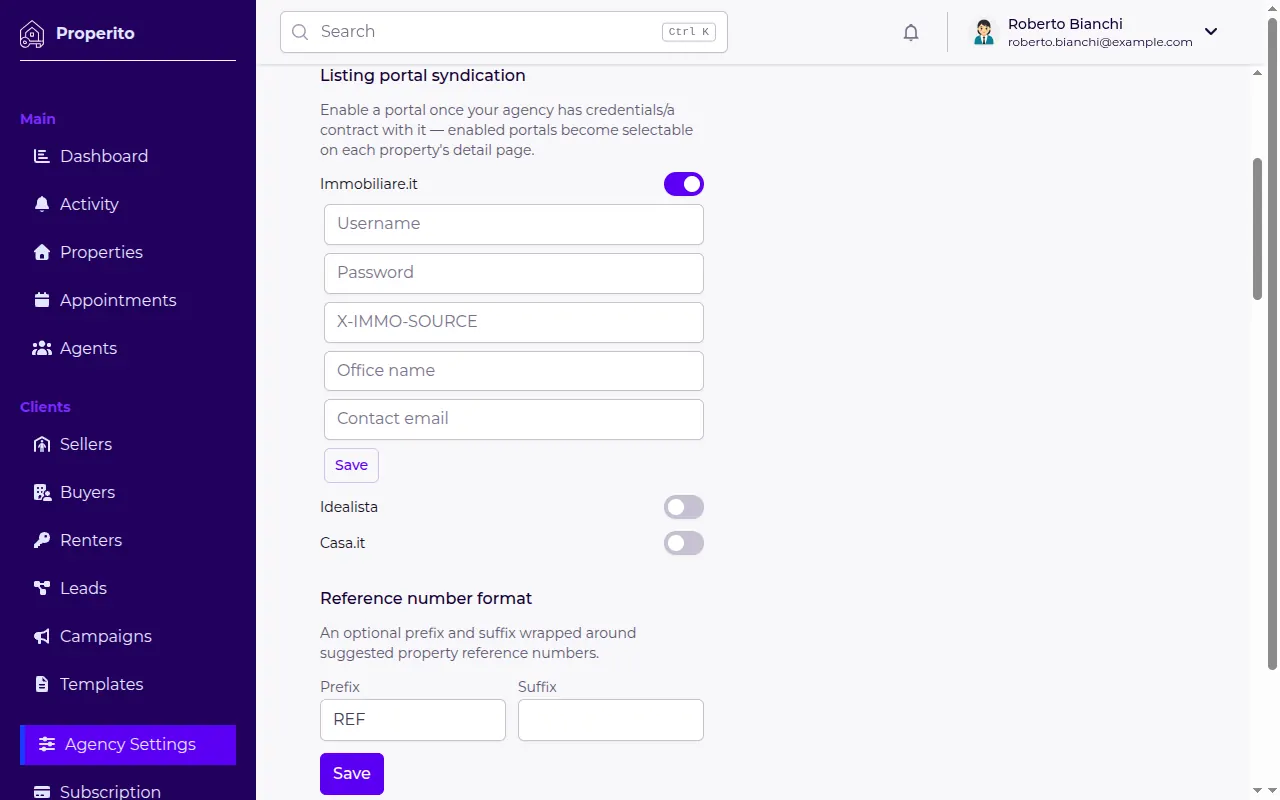
Open Agency Settings and go to Listing portal syndication.
Enable the portal and enter its credentials: username, password and X-IMMO-SOURCE for Immobiliare.it, API key and secret for Idealista, office name and contact email where requested.
Save: passwords and secrets already configured stay hidden, and an empty field keeps the stored value.