Create an email campaign
A campaign enrolls every client who enters the chosen stage and sends each step after the delay you set.
Who can do this:AdminManagerAgent
Steps
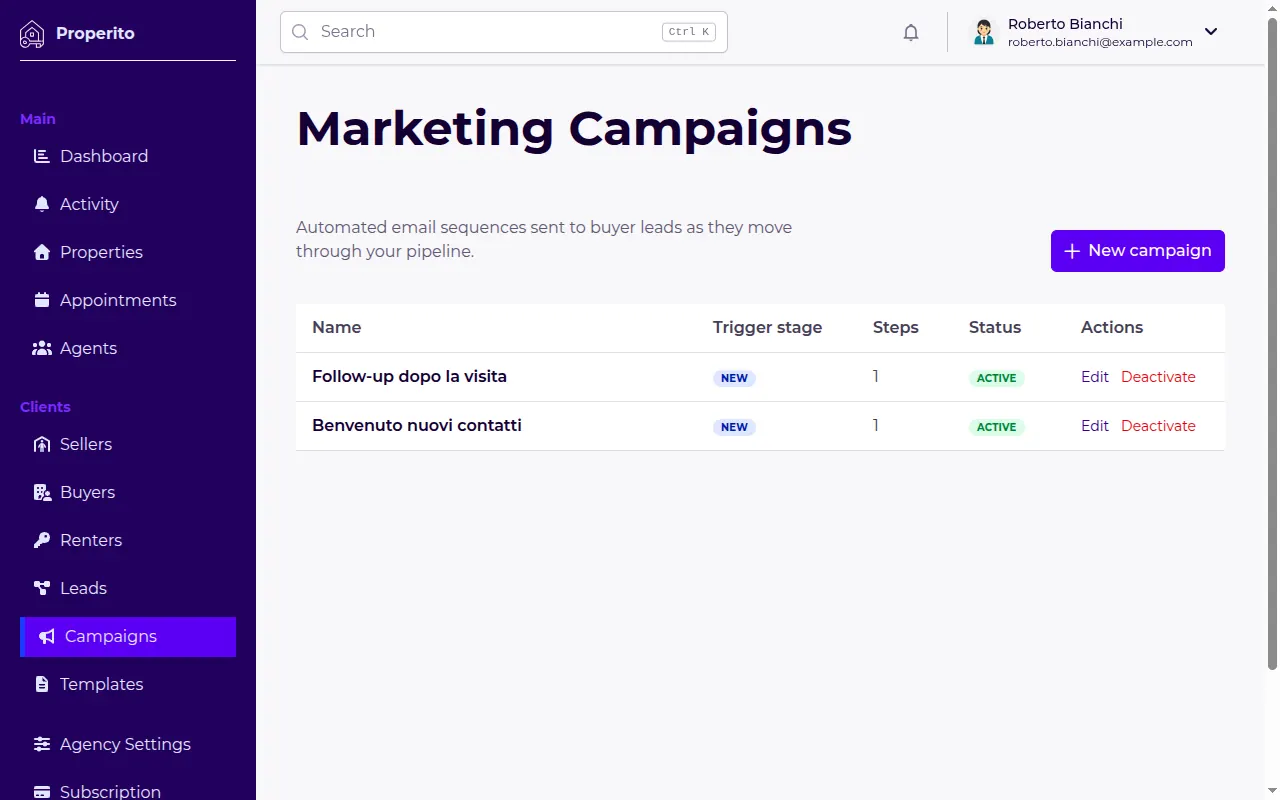
Open Campaigns from the side menu and choose "New campaign".
Give it a name and choose the stage that enrolls clients when they enter it.
Add the steps: for each one, the days to wait, the email subject and the body.
Save the campaign: it is active right away, and you can edit or deactivate it from the list.