Publish a property on the portals
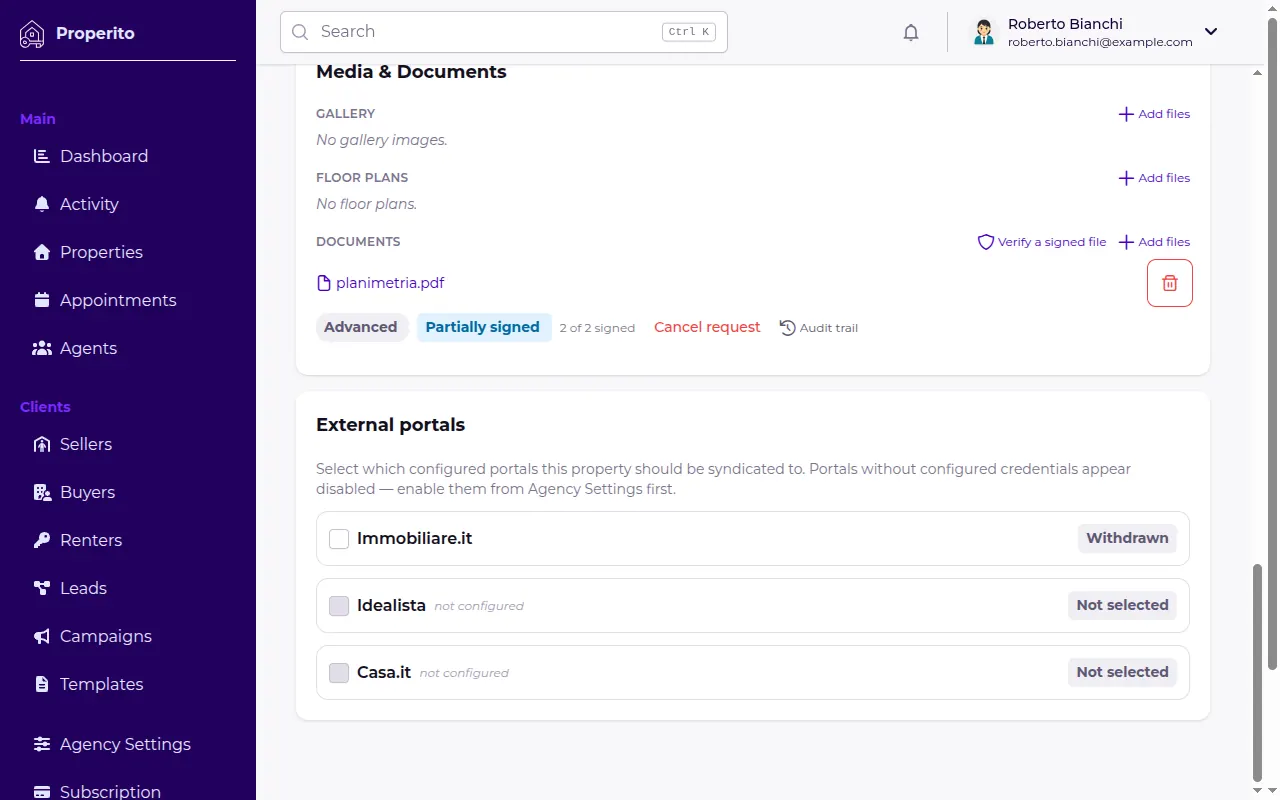
Only the portals enabled by an Admin in the agency settings can be selected.
Who can do this:AdminManagerAgent
Steps
Open the property and find the External portals section.
Select the portals where the listing should appear.
Follow the status of each portal: pending, published, error or withdrawn, with the portal’s reference once published.
If a portal shows an error, use "Retry" after fixing the cause.