Request a signature
Signature requests start from the documents of a property and support two modes.
Who can do this:AdminManagerAgent
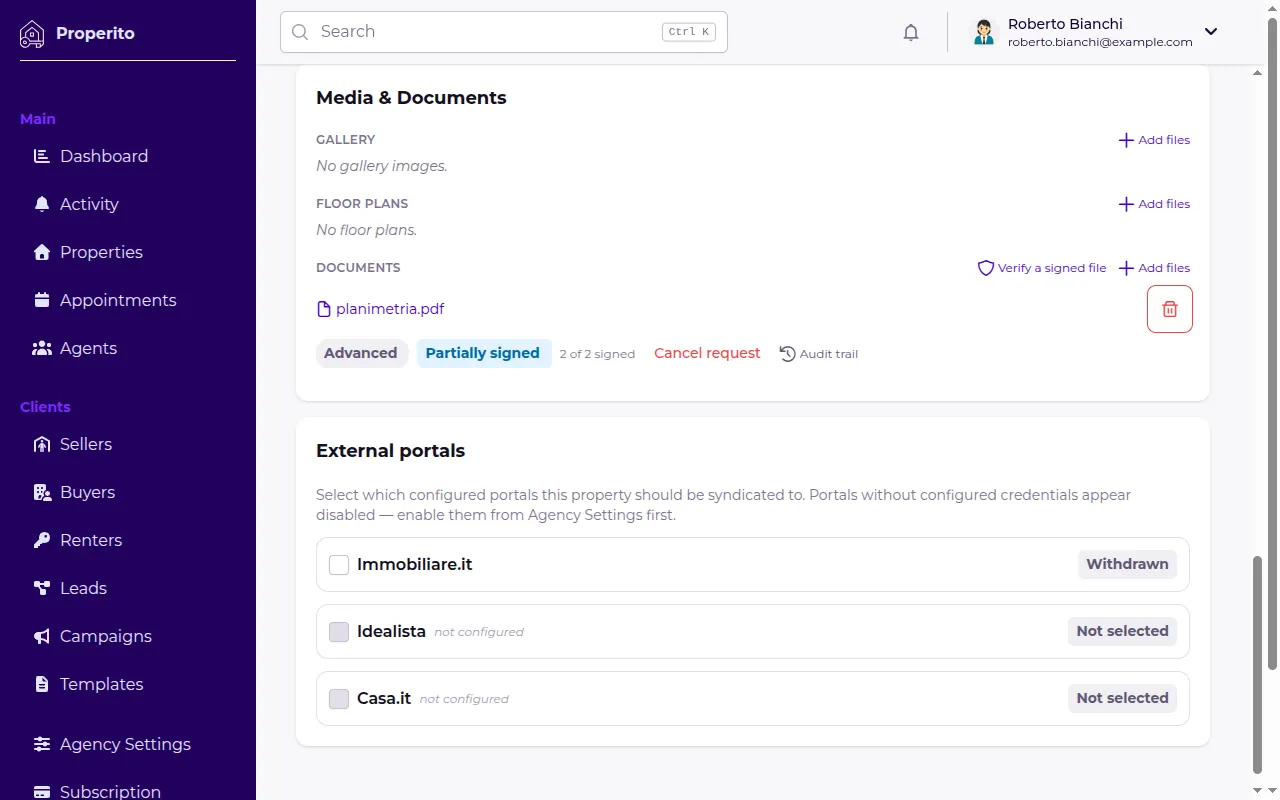
Steps
On the property page, choose "Send for signature" on a document; optionally generate it from a template.
Add the signers with name and email.
Advanced electronic signature: each signer receives a personal link by email, confirms a one-time code and signs online.
Qualified signature: no email is sent; download the PDF, have the parties sign it with their own digital signature and upload the signed file (PAdES PDF or .p7m).
Follow the status (pending, partially signed, completed, cancelled) and open the audit trail with every signer’s events.