Receive leads from portals and websites
Every request sent to the intake URL creates a lead in the CRM, tagged with the source that sent it.
Who can do this:Admin
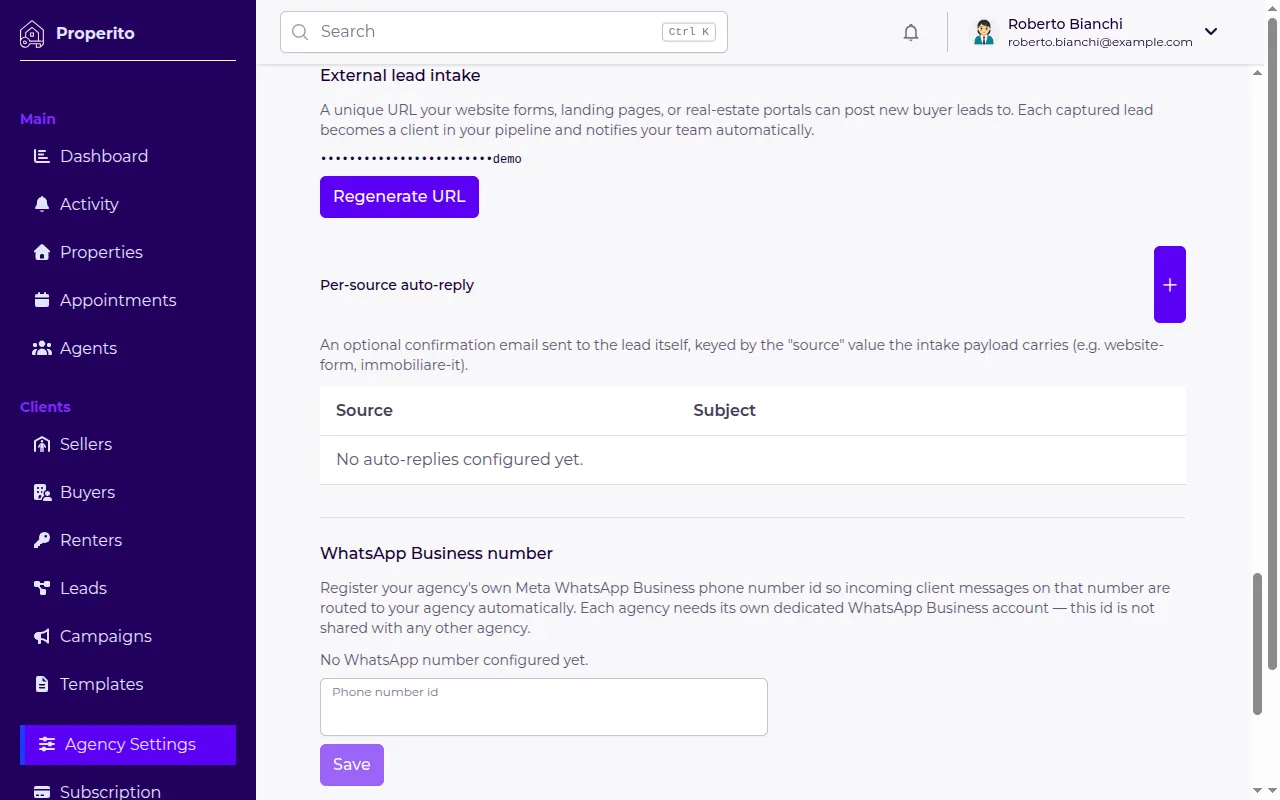
Steps
Open Agency Settings, go to External lead intake and generate the URL.
Copy it right away, because it is not shown in full again, and configure it in your portals and website forms.
Optionally add a per-source auto-reply: a confirmation email sent to the lead, chosen by the source value (for example website-form or immobiliare-it).