Calendar sync and reminders
Both options are personal: each user sets them in their own Settings page.
Who can do this:AdminManagerAgent
Steps
Open Settings from your profile menu.
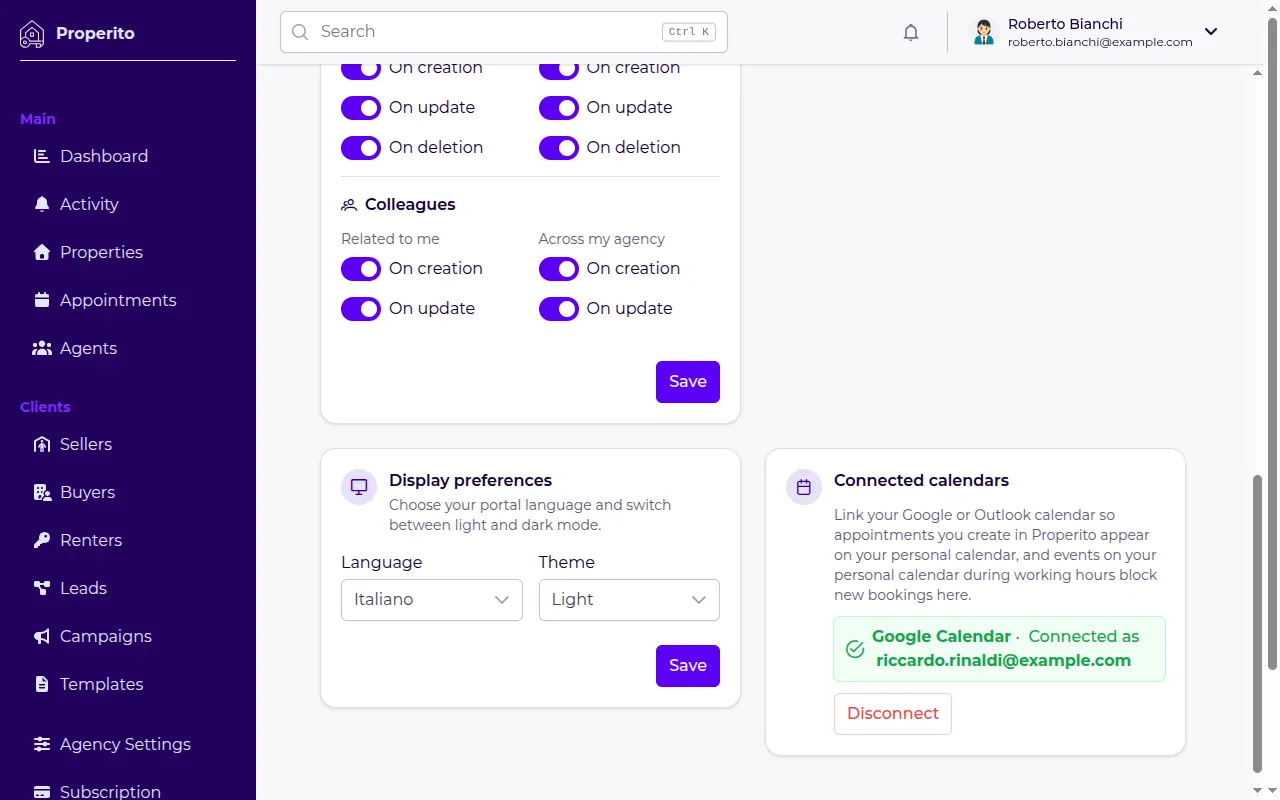
In Connected calendars, choose Google Calendar or Outlook / Microsoft 365 and authorize the connection.
In Appointment reminders, pick up to three reminders (from 15 minutes to 2 days before) and save.