Document templates
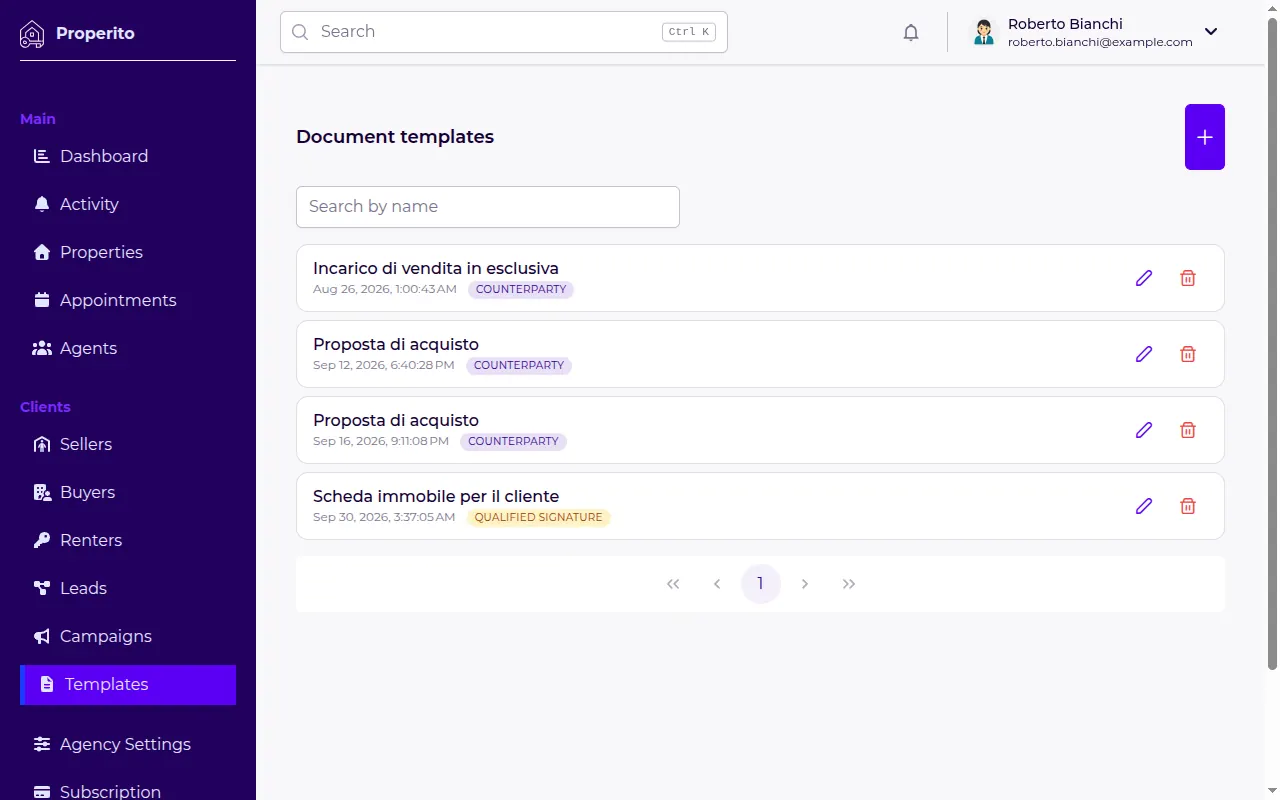
Templates live in Templates, in the side menu, and are shared by the agency.
Who can do this:AdminManagerAgent
Steps
Open Templates and choose "New template".
Give it a name and choose the required signature level: advanced electronic signature, or qualified for preliminary and sale contracts.
Write the text and drag the fields you need (property, owner, counterparty, system) into it as placeholders.
Save: the template is now available from every property page.