Generate a document
Documents are generated from the property page, so the property and owner data are filled in for you.
Who can do this:AdminManagerAgent
Steps
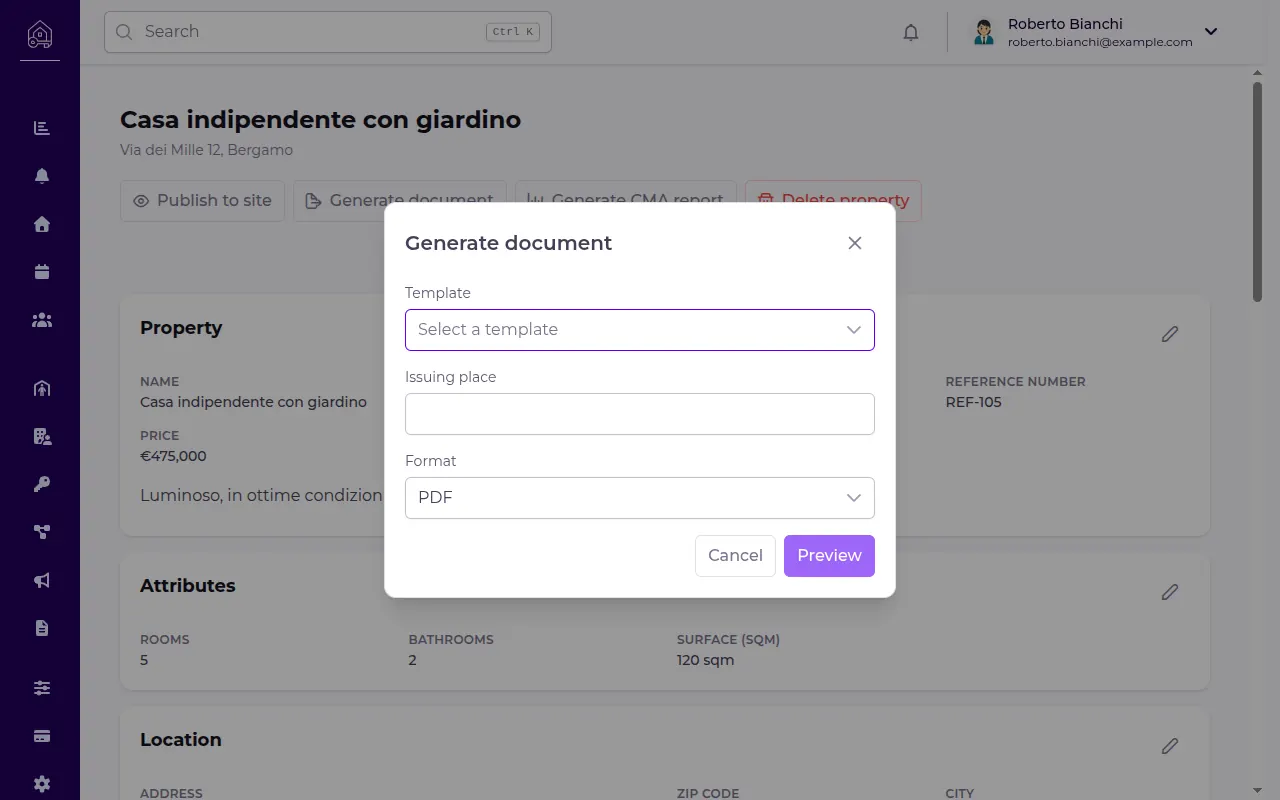
Open the property and choose "Generate document".
Select the template and the counterparty client (buyer, seller or renter).
Check the issuing place (the agency default, which you can change for this document) and the format.
Open the preview, then confirm to download the document.