Configure the agency
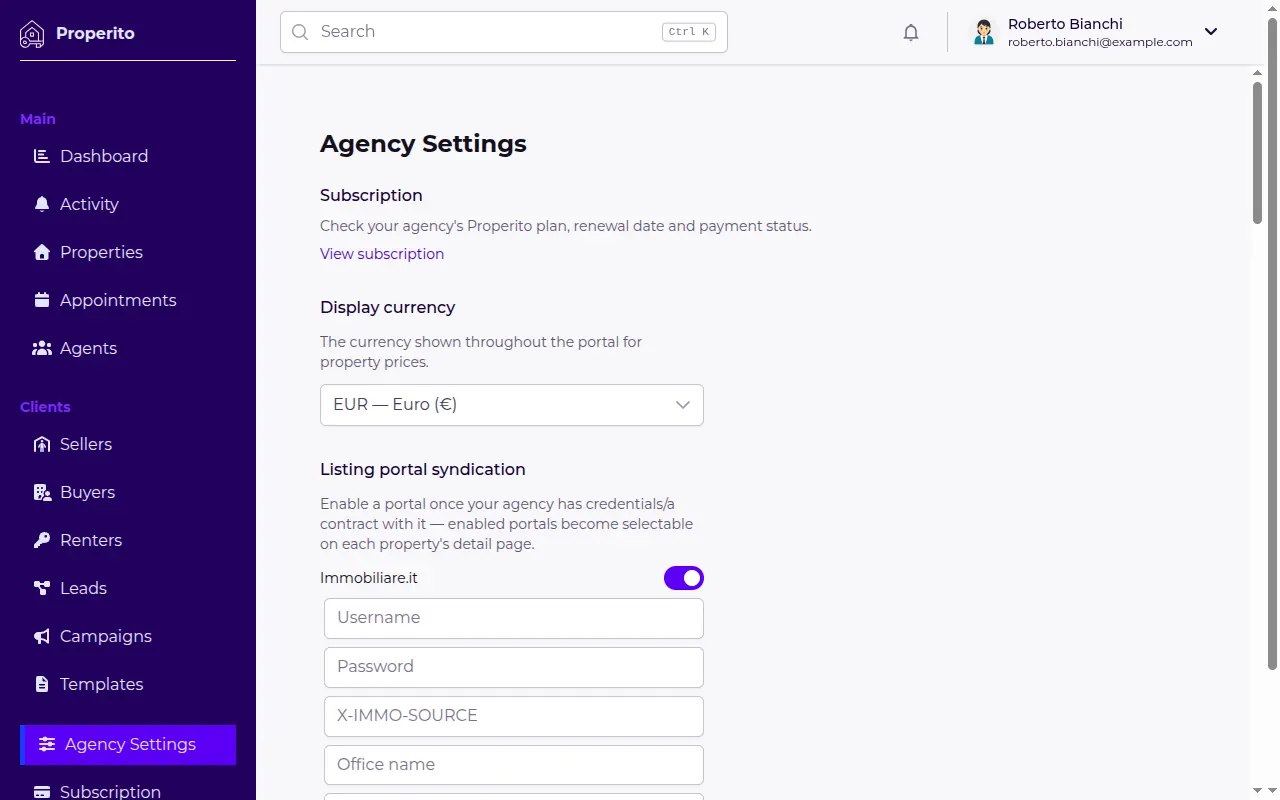
Agency Settings hold the choices that apply to the whole agency; each section is saved on its own.
Who can do this:Admin
Steps
Open Agency Settings from the side menu.
Set the display currency, the prefix and suffix of the suggested property reference numbers, and the number of days after which a lead is stalled.
Set the default document issuing place, used in generated documents (an agent can change it for a single document).
Add webhook endpoints, with a signing secret, to notify your other systems when listings are created, updated, deleted or published.
Connect the agency’s WhatsApp Business number to receive the inbound messages in the CRM.