Create a client
Clients are grouped by type, each with its own list in the side menu: Sellers, Buyers and Renters.
Who can do this:AdminManagerAgent
Steps
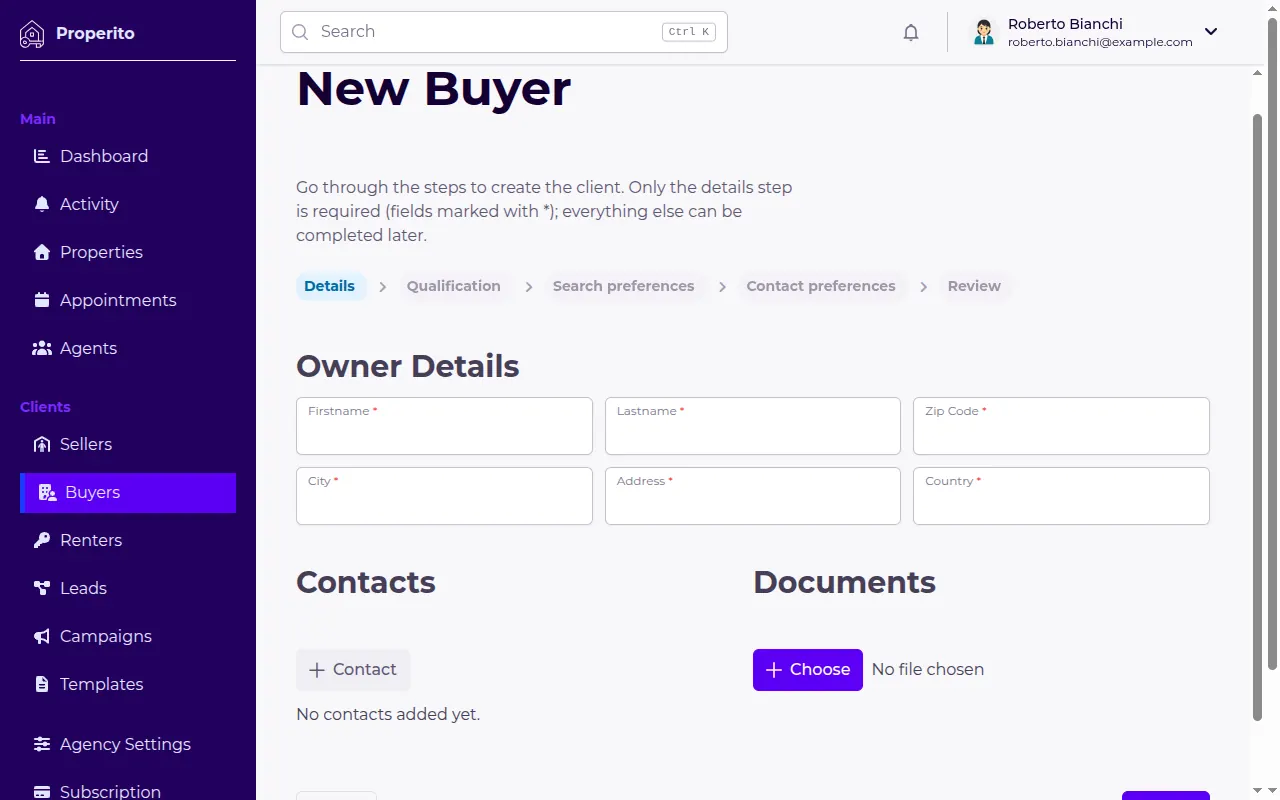
Open the list of the right type (Sellers, Buyers or Renters) and choose "New client".
Details: fill in the personal and contact data; fields marked with * are required.
Qualification: record how ready and motivated the client is.
Search preferences (buyers and renters): zone, price range, property type and must-haves. They become the client’s first saved search, so matching properties are suggested automatically.
Contact preferences: how and when the client prefers to be contacted. Then check the Review step and choose "Create client".